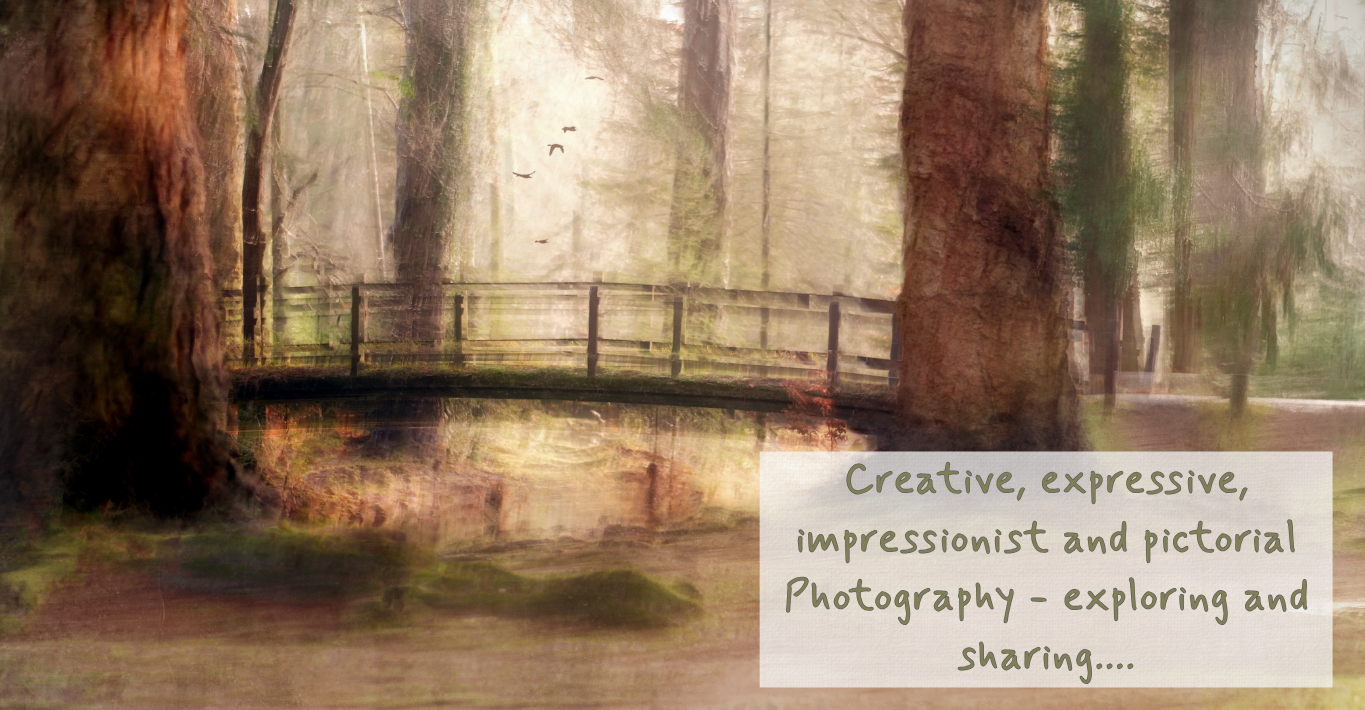
I’m often asked if my images are multiple exposures or ICM (Intentional Camera Movement), and the answer is—in many cases—they are both. Multiple exposure is really just a generic term for any image that includes more than one exposure or shot. You can create these in-camera… I’m often asked if my images are multiple exposures Read More
Strengthen line, texture or colour on an ICM edit…
One thing I often find with an ICM is the need to strengthen a leading line to pull and draw the eye where you want it to go… Sometimes all you want is a nice simple quick edit without a lot of complication… In this short tutorial I get straight to the point and there’s Read More
Blending Using Analogous Colours
Analogous colours are basically colours next to each other on the colour wheel. If you’re not sure where to find the colour wheel – check out Adobe’s colour wheel (click here). The way I understood it best was this – analogous colours are like friends that share the same traits… blending naturally when put together… Read More
FREE Photoshop Brush to download…
Hello, I just read on Camversation that many of the wonderful brushes on the creative cloud are now no longer there… So I thought I’d start making and sharing… Here’s todays effort. If you have one that you need and love or have a special request give me a shout and I’ll see if I Read More
Editing From The Heart: Feeling The Essence
Maybe it’s a bit of a strange title for a blog about photoshop editing but, the truth is, it’s taken me a while to realise that editing and photography is, for me, more than capturing an image – it’s about the feeling, the essence of the moment. When I’m editing I’m not manipulating pixels, fixing Read More
How to Blend Multiple Shots In Photoshop (and why you’d do it…)
How do I stack and blend layers in Ps with Ps doing the work…. I don’t want to use masks I just want it to blend three shots (you can do more or less!) When I would do this… It was a beautiful morning this morning and I wanted to capture a line of trees Read More
Groups – Why Groups are SO powerful…
Groups are so much more than just a way of keeping your layers tidy in Photoshop. When you group layers together they now ACT TOGETHER – so if you group two images together they now move together are resized together with the transform tool and so on… You could apply an adjustment layer to the Read More
High Pass Filters
High pass filters grab hold of the sharpness already in the image and sharpen it… Imagine you’ve got a picture of a street in the City, it’ll grab all the edges of the buildings and any other shape edges and sharpen them but leave the rest… Whereas a smart sharpen sharpens everything. I love to Read More
What is a Stamp Layer in Photoshop and how to create one…
What is a stamp layer and why use it… Stamp layers are a gathering together of all the information on all the layers currently visible (eyeball turned on) – basically you’re merging all the layers without flattening them into one… you end up with the merged layer but all the layers that formed it remain Read More
Pictorialism, Venus and Re-creating Nature
It’s photoshopped right? A total fake… No and sadly, ironically, that’s why I’ve never shared it anywhere because, well…sometimes life is stranger than fiction. It is real, I can even give the date and time, it was Sunday afternoon last winter on the eve of the Beaver Moon. With the sun going down behind me Read More